Choosing the right job costing software for small contractors can feel overwhelming. You’re juggling multiple projects, tracking costs, and trying to stay profitable-all while managing cash flow.
At adding technology, we’ve seen contractors waste thousands by picking software based on price alone, only to abandon it months later. The right tool should fit your workflow, not force you to change how you work.
What Features Actually Matter in Construction Accounting Software
Real-Time Job Costing Stops Profit Leaks Before They Drain You
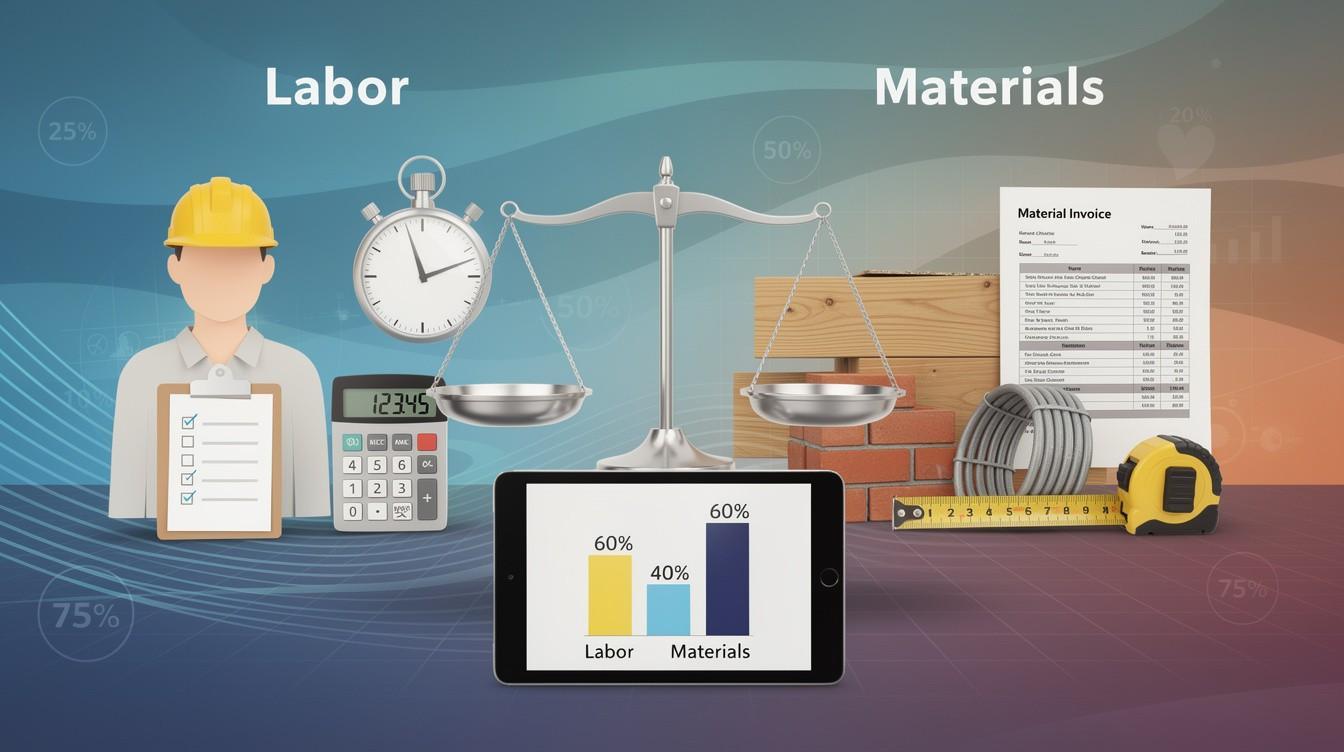
Real-time job costing separates software that works from software that wastes your time. You need to see labor, materials, equipment, and subcontractor costs tracked against your budget the moment they happen, not weeks later in a spreadsheet. Contractors using real-time cost tracking identified unprofitable projects earlier than those relying on manual reporting. That early warning matters because stopping a bleeding project saves money fast. When you evaluate software, request a demo where you can see actual job cost reports filtered by project, cost code, and resource type. Ask how the system handles change orders and retainage since construction billing isn’t straightforward like other industries.
Automated Invoicing and Progress Billing Speed Your Cash Flow
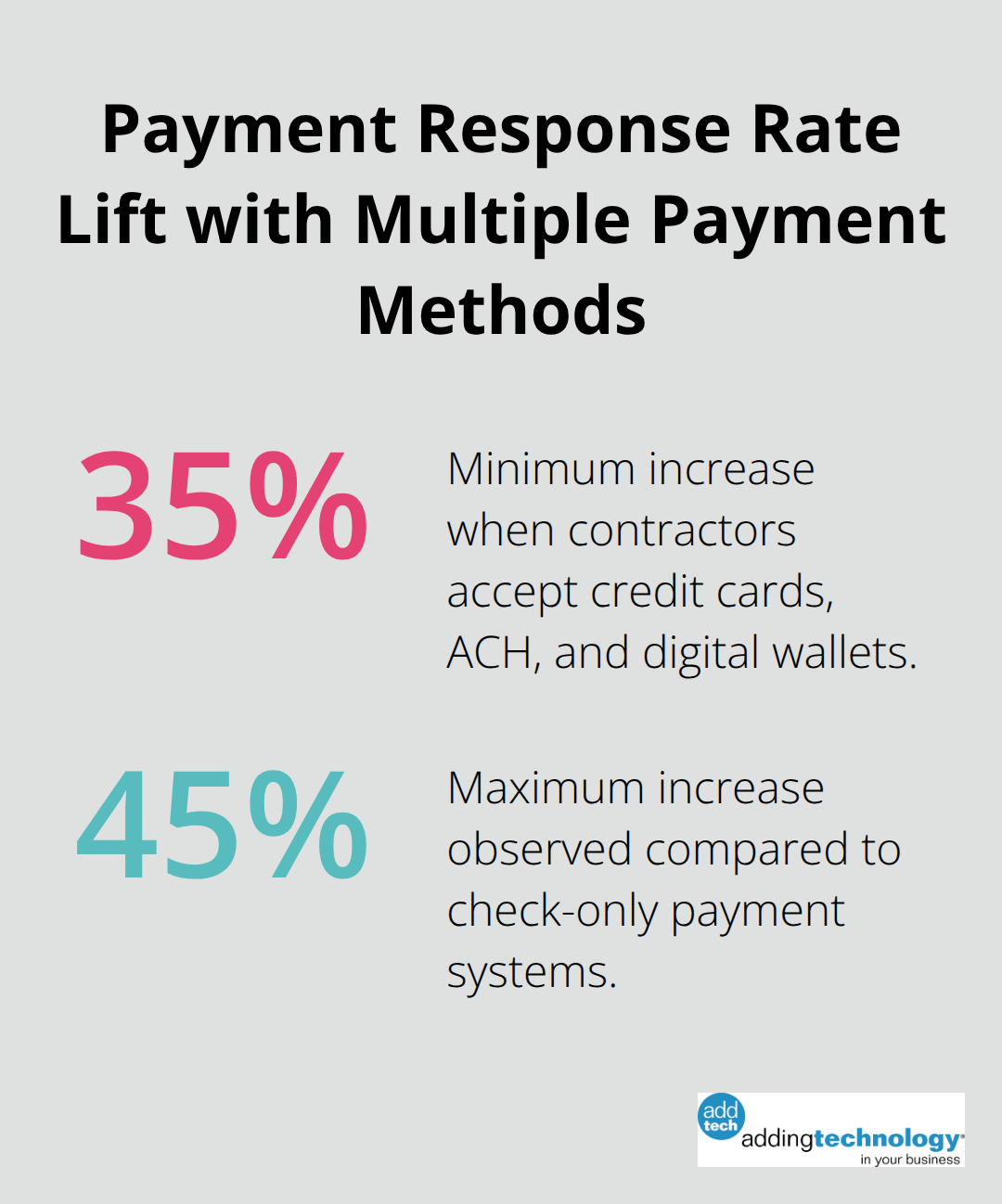
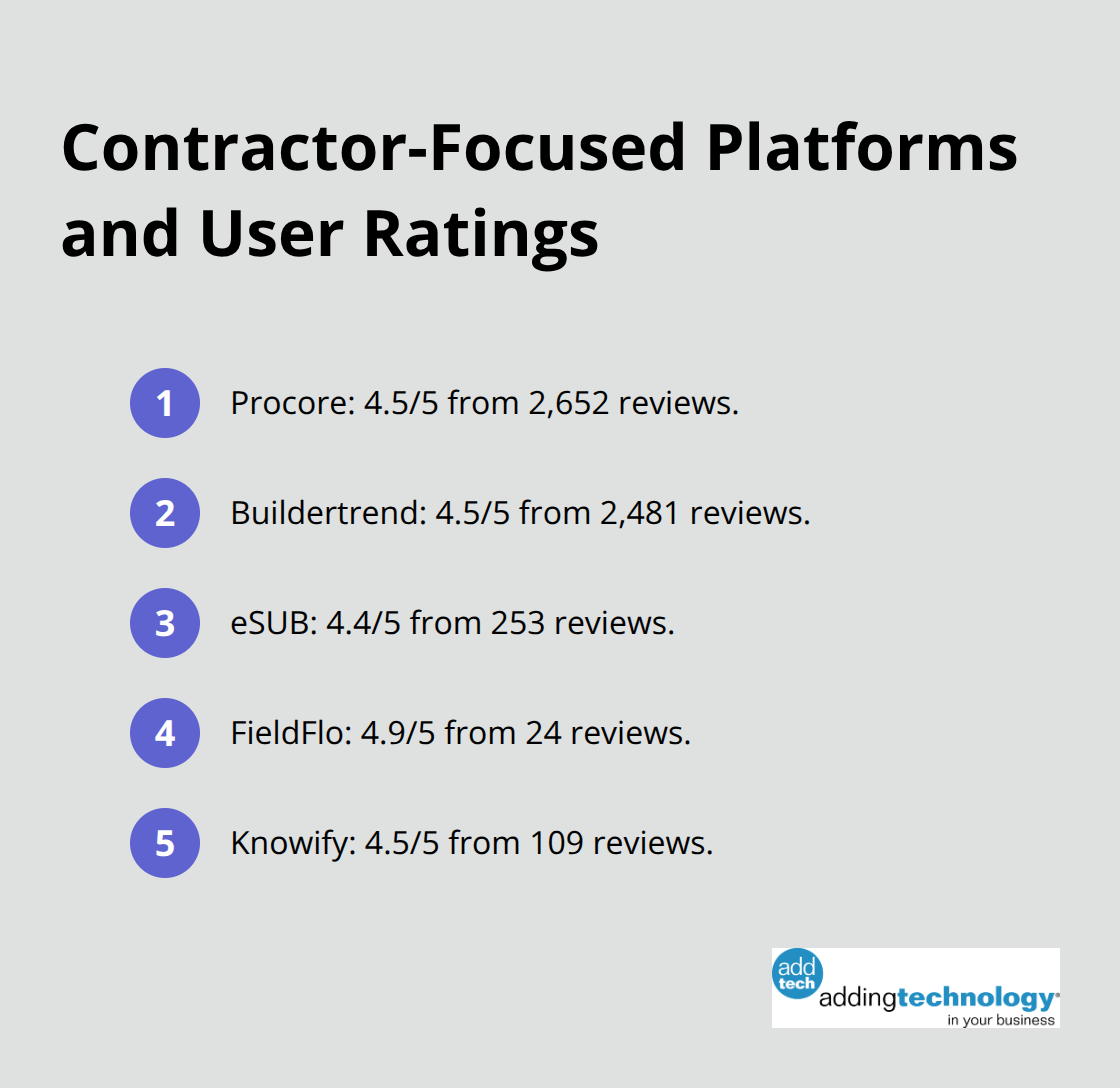
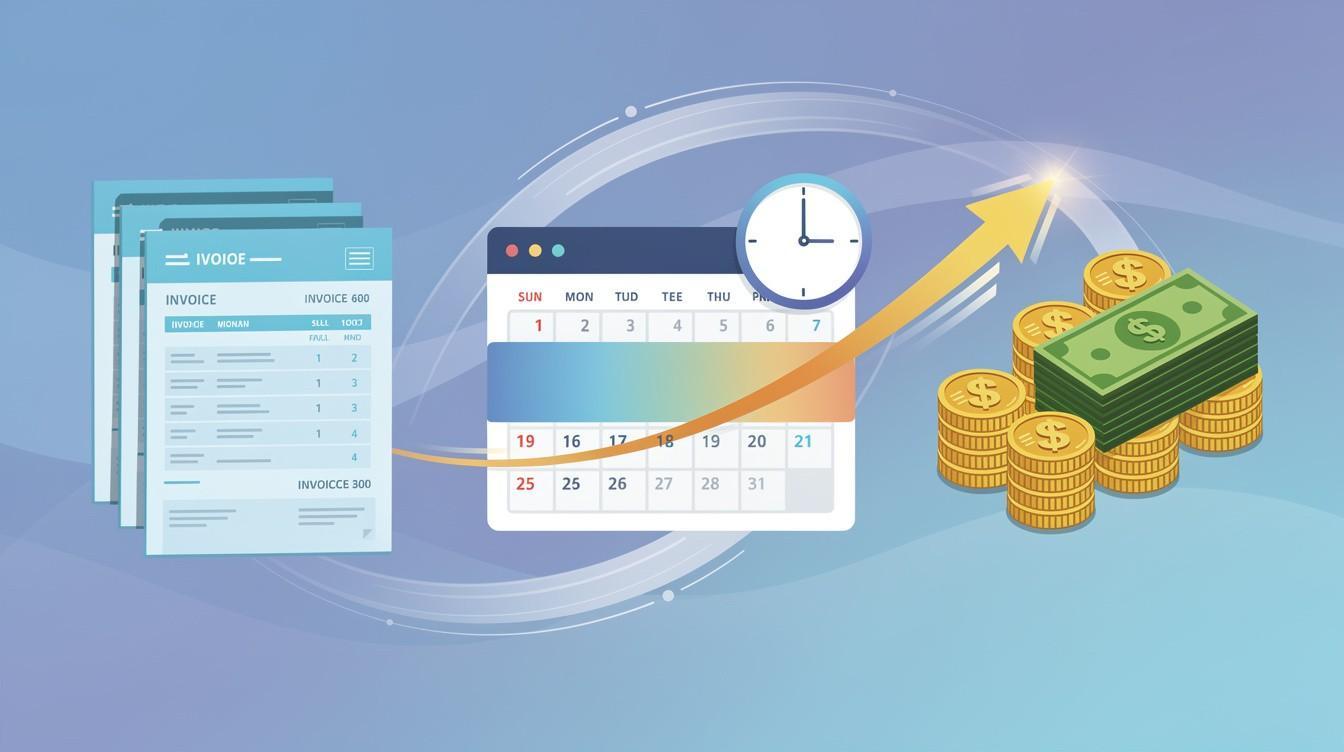
Automated invoicing with progress billing integration matters more than basic invoice templates. Your software should generate AIA-style billing automatically, track percentage-of-completion across multiple projects, and flag when invoices are overdue. Solutions like Knowify and Procore both score 4.5/5 stars with over 2,600 user reviews because they link field data directly to billing, reducing disputes and speeding payment. Payment processing speed affects your cash position directly. Cloud-based platforms that accept multiple payment methods (credit cards, ACH, digital wallets) see payment response rates jump 35-45% compared to systems requiring check payments only.
Financial Reporting Tools Answer the Questions That Matter Most
Financial reporting tools need to answer three specific questions: Which projects are profitable right now? What is my accounts receivable aging? What is my working capital position? Generic accounting software fails here because construction operates on milestone payments and long project timelines. Sage Intacct Construction and Acumatica Construction Edition both deliver real-time dashboards showing committed costs by project and open balances by customer, giving you the visibility small contractors need to make fast decisions.
Compliance Features Protect You From Costly Mistakes
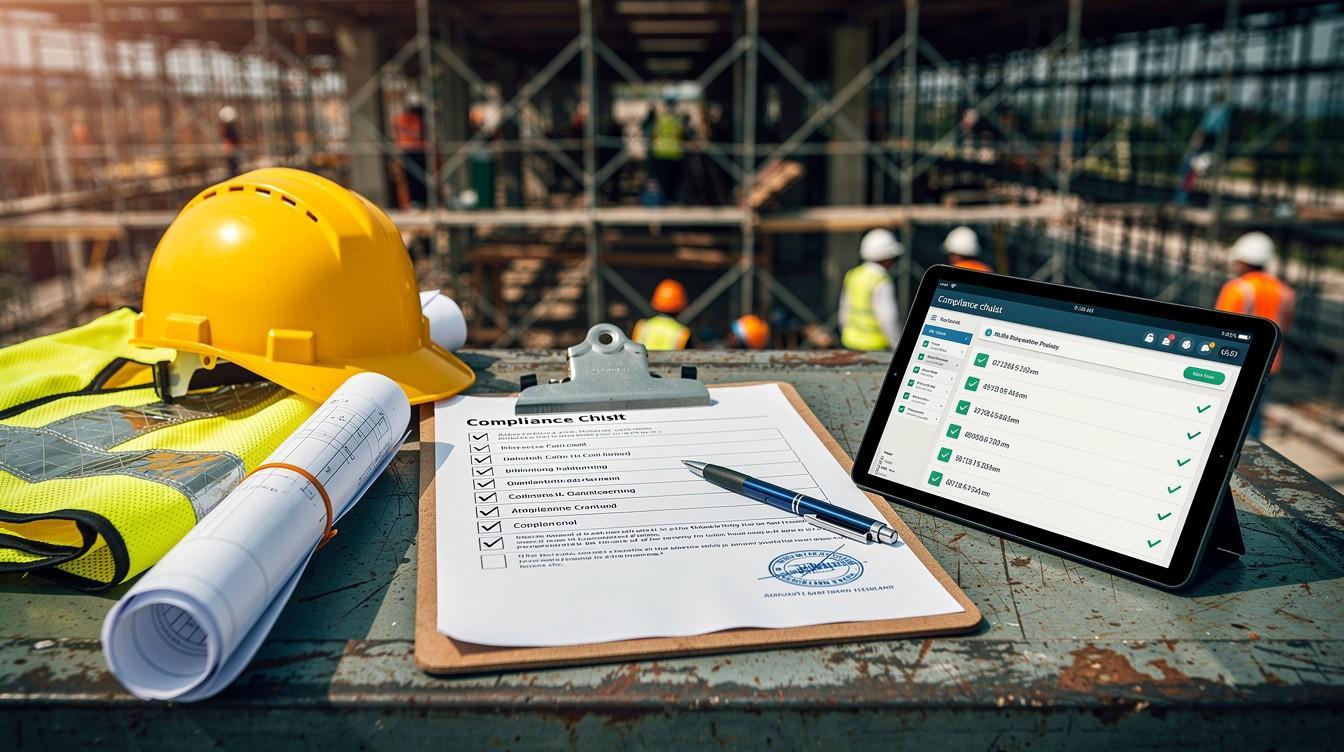
Compliance features matter more than most contractors realize since construction involves prevailing wage tracking, multi-state payroll rules, and audit trail requirements. The AICPA endorses Sage Intacct Construction specifically for construction compliance, while Foundation Software’s 35+ years of specialization covers prevailing wage and spending controls built into the system itself rather than bolted on afterward.
Integration With Your Existing Tools Saves Time and Money
Your software should integrate with your existing tools rather than replace them entirely. If you already use QuickBooks Online, look for solutions that sync seamlessly rather than forcing data re-entry. Buildertrend achieves 4.5/5 stars from 2,481 reviews partly because contractors stay in their familiar accounting system while Buildertrend handles project management and cost tracking. The best software fits into your workflow without demanding you rebuild how you operate. With these features in mind, you’re ready to evaluate the specific solutions that work best for small contractors.
Solutions Built for How Small Contractors Actually Work
Cloud Platforms That Match Your Team’s Reality
The construction software market offers 164 job costing options according to Software Advice’s March 2026 review, but most fall into three categories: cloud platforms that prioritize accessibility, integrated suites that connect your tools, and simplified systems designed for non-accountants. Procore and Buildertrend dominate the market with 4.5/5 ratings from 2,652 and 2,481 reviews respectively because they work the way field teams and office staff already think. Procore excels at linking field data directly to office costing, while Buildertrend handles scheduling and cost tracking without forcing you away from QuickBooks Online.
Cloud access matters more than most contractors initially think because your team works everywhere except sitting at a desk. eSUB scores 4.4/5 from 253 reviews specifically because it prioritizes mobile-first design, letting your crew enter costs and progress from the jobsite rather than waiting until end of day. FieldFlo rates 4.9/5 from 24 reviews and targets specialty subcontractors who need field management without accounting complexity. When you evaluate software, request a mobile demo and actually test entering a cost from your phone or tablet.
Software that looks good on a desktop often frustrates field teams with clunky mobile interfaces.
Practical Combinations for Contractors Under $5 Million
For contractors under $5 million in revenue, QuickBooks Online Advanced paired with Knowify delivers the functionality you need at a price point that makes sense. Knowify scores 4.5/5 from 109 reviews and integrates directly with QuickBooks, eliminating the data re-entry that kills productivity. This combination costs less than adopting a full enterprise platform while delivering real-time budget tracking and change order management.
Intuit Enterprise Suite, launched in 2024, offers a middle path for contractors between QuickBooks Online and full ERP systems, with construction-specific reports like Committed Costs by Project and Open Balances by Customer that give you real-time visibility without enterprise complexity. CrewCost combines accounting, job costing, and time tracking starting at $599 per month with no implementation fees, making it practical for contractors who want cloud access without expensive setup.
Integration Capability Determines Your Long-Term Success
Integration capability determines whether you’ll actually use the software or abandon it for spreadsheets within six months. Sage Construction integrates with Procore, reducing data re-entry between systems. Acumatica Construction Edition offers an open API that connects to Procore, Autodesk, and Timberscan, meaning your data flows between tools instead of requiring manual uploads. If your team already uses Autodesk Construction Cloud or HeavyBid for preconstruction, verify the accounting software connects to those tools before committing. Software that forces you to enter the same information twice in different systems creates busy work that costs money every month. Your next step involves testing how these solutions actually perform with your specific workflow and cost structure.
Three Mistakes That Cost You More Than Software Licensing Fees
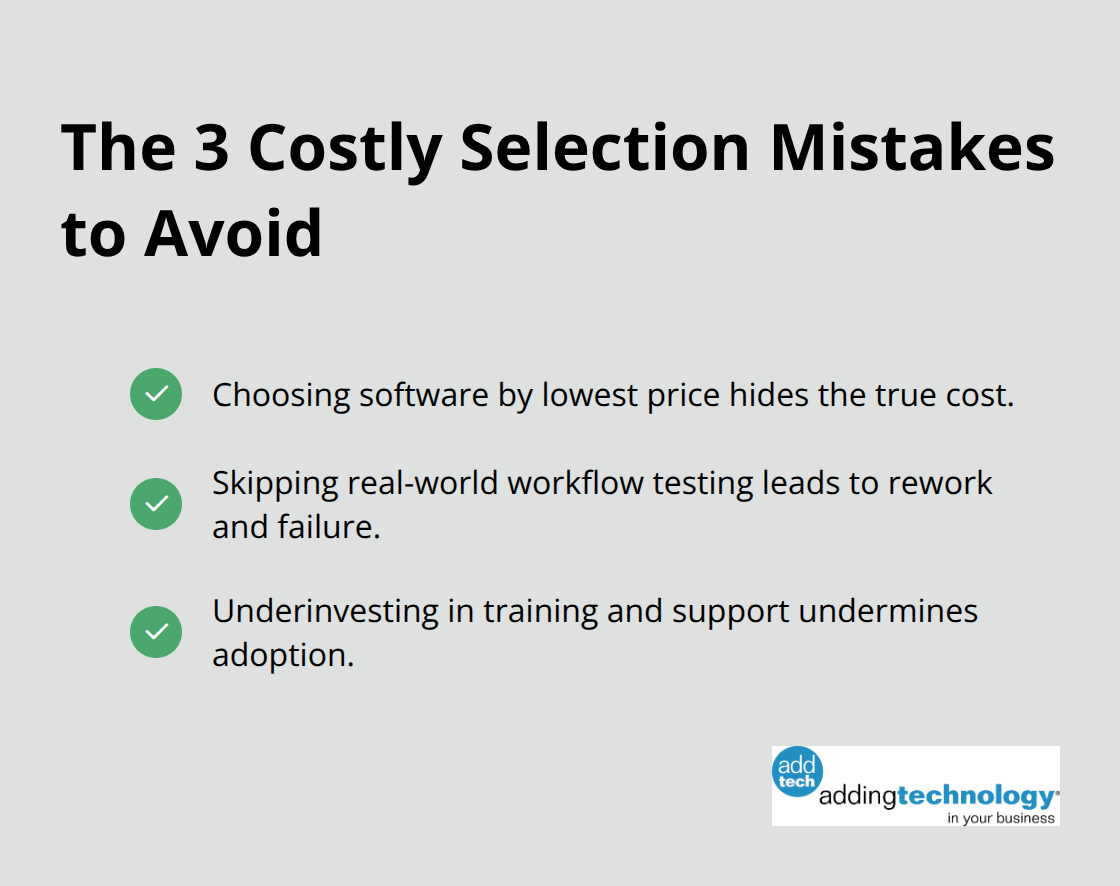
Most contractors select construction accounting software the wrong way, and it costs them far more than any licensing fee ever would. The biggest mistake happens before you even sign a contract: selecting software based on the cheapest monthly price instead of what actually solves your job costing problems.
Price-First Decisions Hide the Real Cost of Poor Software
A contractor who pays $50 per month for software that doesn’t track change orders or retainage properly will waste ten hours per month manually fixing data, costing roughly $500 in lost productivity. That $50 solution becomes a $550 monthly problem. Intuit Enterprise Suite costs more than basic QuickBooks Online, but contractors using it report reducing month-end close time by 25-50 percent according to Intuit’s own metrics. That time savings alone pays for the upgrade within weeks.
When you evaluate software pricing, calculate the true cost by adding staff time spent fighting with the system, manual workarounds, and billing delays caused by poor cost visibility. Software that costs three times more but eliminates ten hours of weekly busywork actually saves money. The vendor’s monthly fee tells only half the story.
Testing Software Against Your Real Workflow Prevents Costly Mistakes
The second critical mistake involves committing to software without testing it against your actual workflow. Contractors often rely on vendor demos that show best-case scenarios with perfect data entry, not the messy reality of field changes, rush jobs, and incomplete information. Request a trial where you can upload real project data and test how the system handles your most complicated job.
Specifically test change order workflows and retainage calculations, and how the system reports profitability by cost code. eSUB and FieldFlo both offer free trials, and vendors like Procore and Buildertrend provide extended evaluation periods. If a vendor refuses to let you test before purchase, that’s a red flag worth taking seriously. Your team’s actual workflow should drive the decision, not marketing promises.
Training and Support Determine Whether Software Succeeds or Fails
The third mistake involves underestimating how much training and ongoing support actually matter. Construction accounting software fails not because the features don’t exist but because nobody on your team knows how to use them properly. Foundation Software emphasizes strong in-house support because contractors need someone who understands construction, not generic software support staff.
Sage Intacct Construction offers AICPA endorsement partly because the company invests in proper implementation and training. When you evaluate vendors, ask specifically about setup support, whether they assign an implementation specialist, and how much training is included before you pay the first invoice. Software with poor training support becomes expensive software very quickly. The vendor’s commitment to your success determines whether the software transforms your operations or sits unused.
Final Thoughts
The right job costing software for small contractors transforms how you manage money and make decisions. Instead of waiting weeks to spot profit problems, you see real-time cost data that lets you adjust course while projects still run. Contractors who implement proper accounting systems identify unprofitable work faster, reduce billing disputes, and improve cash flow visibility within the first month.
Start by listing your three biggest financial pain points right now-whether that’s change order tracking, retainage calculations, or knowing which projects actually turn a profit. Request trials from vendors that match your revenue size and project complexity, then test with real project data and have your team enter costs from the field. This testing phase prevents expensive mistakes that cost far more than any licensing fee.
Once you’ve narrowed your options, evaluate implementation support and training since your team’s ability to use the system correctly matters more than the software itself. We at adding technology help contractors build this financial foundation by streamlining accounting systems and implementing real-time job costing tailored to construction, and we can guide you through selecting and implementing the right system for your operation.