
How to Manage Budget in Project Management Effectively
Master budget management in project management with proven strategies to control costs, avoid overruns, and deliver projects on time.

Independent contractor accounting software isn’t a luxury-it’s a necessity. Most contractors waste hours on manual bookkeeping when they should be growing their business.
At adding technology, we’ve helped hundreds of contractors find the right accounting tools. The difference between choosing well and choosing poorly can cost you thousands in missed deductions and wasted time.
Real-time financial reporting matters far more than most contractors realize. You need software that shows your income and expenses the moment transactions hit your bank account, not weeks later. QuickBooks Online offers automatic bank matching that imports transactions daily, eliminating the manual data entry that drains your time. FreshBooks provides similar functionality with transaction syncing across multiple bank accounts. The difference between real-time visibility and monthly spreadsheet updates is the difference between making informed business decisions and flying blind. When you see your cash position instantly, you can spot problems before they become expensive.
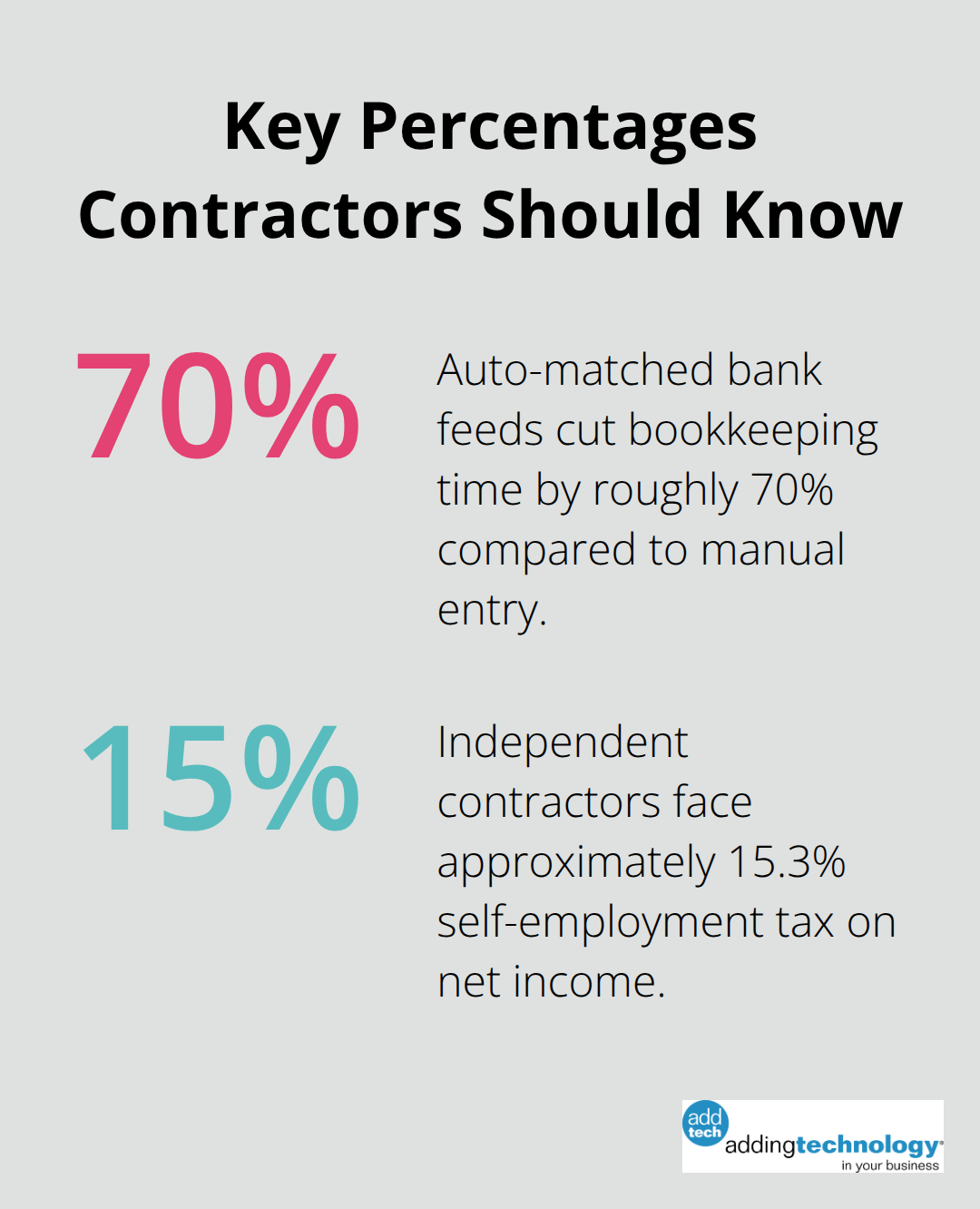
Bank feeds aren’t optional anymore. Wave, ZipBooks, FreeAgent, and QuickBooks all connect directly to your accounts and auto-match transactions, which cuts your bookkeeping time by roughly 70 percent compared to manual entry. Modern accounting software uses OCR technology to extract receipt data automatically.
QuickBooks Solopreneur, FreeAgent, and TrulySmall Accounting all offer this feature-you photograph a receipt and the software extracts the vendor name, amount, and date without you typing anything. Expense categorization automation through platforms like QuickBooks takes this further by learning your spending patterns and suggesting the correct tax category as transactions arrive. This level of automation directly impacts your tax liability because properly categorized expenses reduce your taxable income, which means real money saved at tax time.
Accounting software must connect directly to your tax obligations, not exist separately from them. QuickBooks Solopreneur displays estimated quarterly taxes on your dashboard so you never miss a payment deadline, while FreeAgent includes a Schedule C worksheet specifically designed for US sole proprietors. This matters because independent contractors face self-employment tax of approximately 15.3 percent on net income, which means missing a quarterly payment can cost you thousands in penalties. When your accounting software integrates with TurboTax or similar platforms, you export year-end data directly without re-entering everything manually. Choose software that generates reports your tax preparer actually wants rather than forcing them to translate your messy spreadsheets.
The accounting software you select today shapes how efficiently you operate tomorrow. Software that handles real-time reporting, automatic bank connections, and tax integration removes friction from your financial operations. These features work together to give you the visibility and compliance you need without consuming hours of your week. The next section examines the mistakes contractors make when selecting these tools-and how to avoid them.
Most contractors sabotage their accounting software selection before they even sign up. The biggest mistake is choosing based on monthly cost alone. Wave offers free accounting, and that attracts contractors who think they’re being smart. Then they hit their first tax deadline and realize Wave doesn’t offer OCR receipt scanning, doesn’t integrate with their project management tool, and forces them to manually export everything to their tax preparer. They’ve saved $15 a month and lost 8 hours to workarounds. QuickBooks Online costs $19 monthly for the Simple Start plan, FreshBooks runs $21 monthly for the Lite plan, and ZipBooks charges $15 monthly for their paid tier. These aren’t expensive. The real cost emerges when you pick the wrong tool and must migrate your data, re-categorize transactions, and train yourself on a new system.
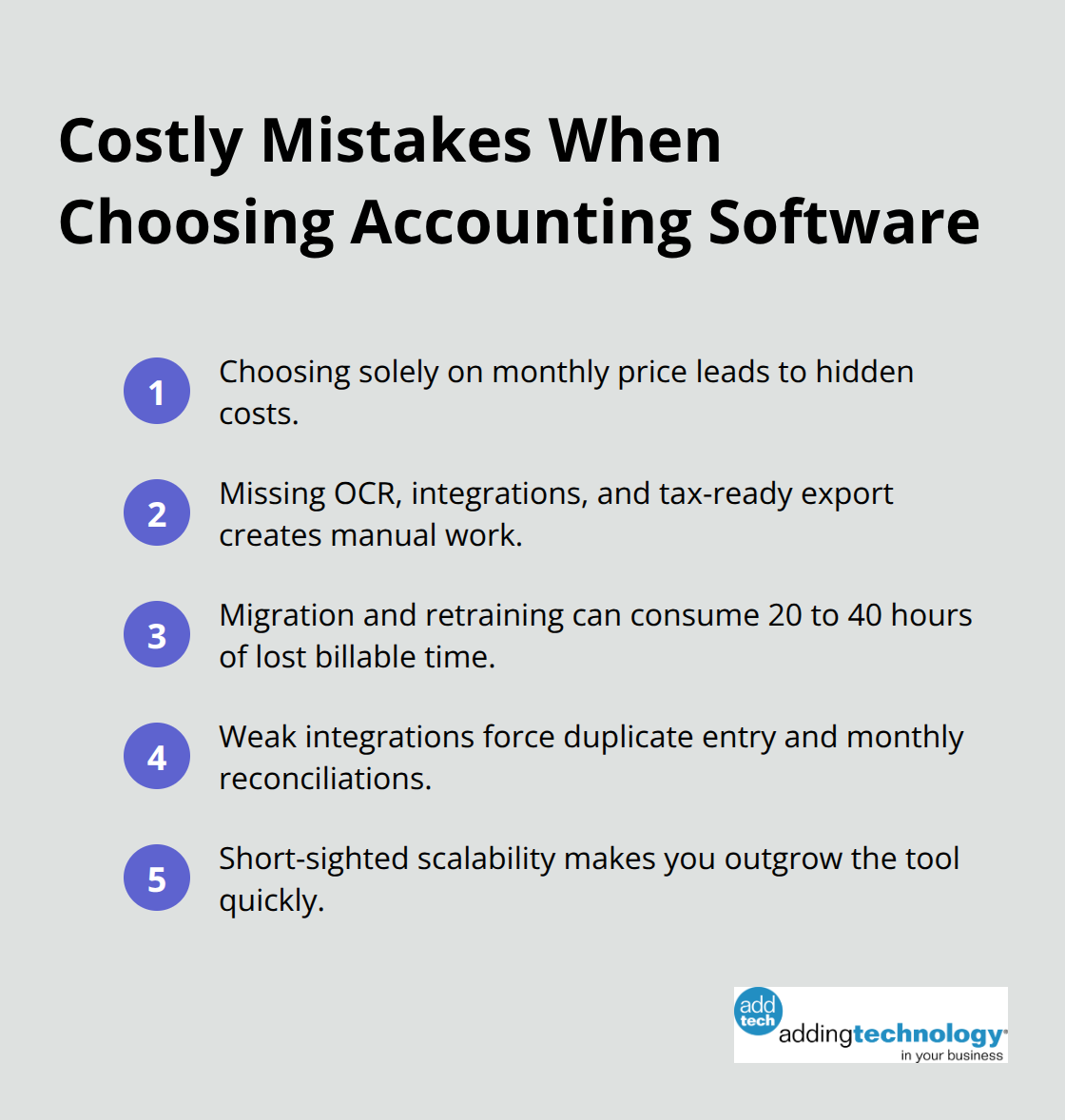
That migration consumes 20 to 40 hours of your time, which at standard contractor rates equals hundreds or thousands in lost billable work.
Contractors typically use project management software, time tracking platforms, and CRM systems before they pick accounting software. If you already use Asana for project management and Toggl Track for time tracking, your accounting software must connect to both. FreshBooks integrates with over 100 partner apps plus Zapier, while QuickBooks Online connects to 750 plus applications, making either choice solid for integration. If your accounting software can’t pull project data from Asana or time entries from Toggl, you enter that information twice. You also create two separate sources of truth for your income, which means you reconcile discrepancies every month. Harvest combines time tracking and invoicing in one platform starting around $13.75 monthly, which eliminates the integration problem entirely if you consolidate your tools. The integration question isn’t about having the fanciest connections. It’s about whether your data flows automatically between systems or whether you become the data pipeline, manually moving numbers from one tool to another.
Contractors often pick accounting software based on their current situation, not where they’re heading. If you’re a solo operator today but plan to hire subcontractors or employees next year, your software choice matters tremendously. QuickBooks Online offers four pricing tiers with user limits of 1, 3, 5, and 25 users respectively, so you scale from solo to small team without switching platforms. Wave doesn’t offer payroll integration at all, which means you move to QuickBooks when you hire your first employee. FreshBooks has pricing tiers from Lite to Select, with the Select plan including dedicated phone support for growing businesses. The cheapest software today becomes expensive when you outgrow it and must migrate everything to a new system. Choose software that handles your business in two years, not just your business today. The next section examines how the right accounting partner helps you navigate these decisions and implement solutions that actually stick.
Proper accounting software setup prevents months of chaos and costly corrections later. Independent contractors who switch platforms report the same problem consistently: their initial setup was incomplete. They selected software based on a feature list, clicked through the onboarding, and started entering transactions without configuring tax categories, establishing chart of accounts structure, or connecting all their data sources. Three months in, they realized their expense categorization was wrong, their quarterly tax estimates were inaccurate, and their project profitability data didn’t match their invoices. The fix required re-categorizing hundreds of transactions manually. Proper implementation takes 8 to 12 hours upfront but saves 40 to 60 hours of cleanup work later.
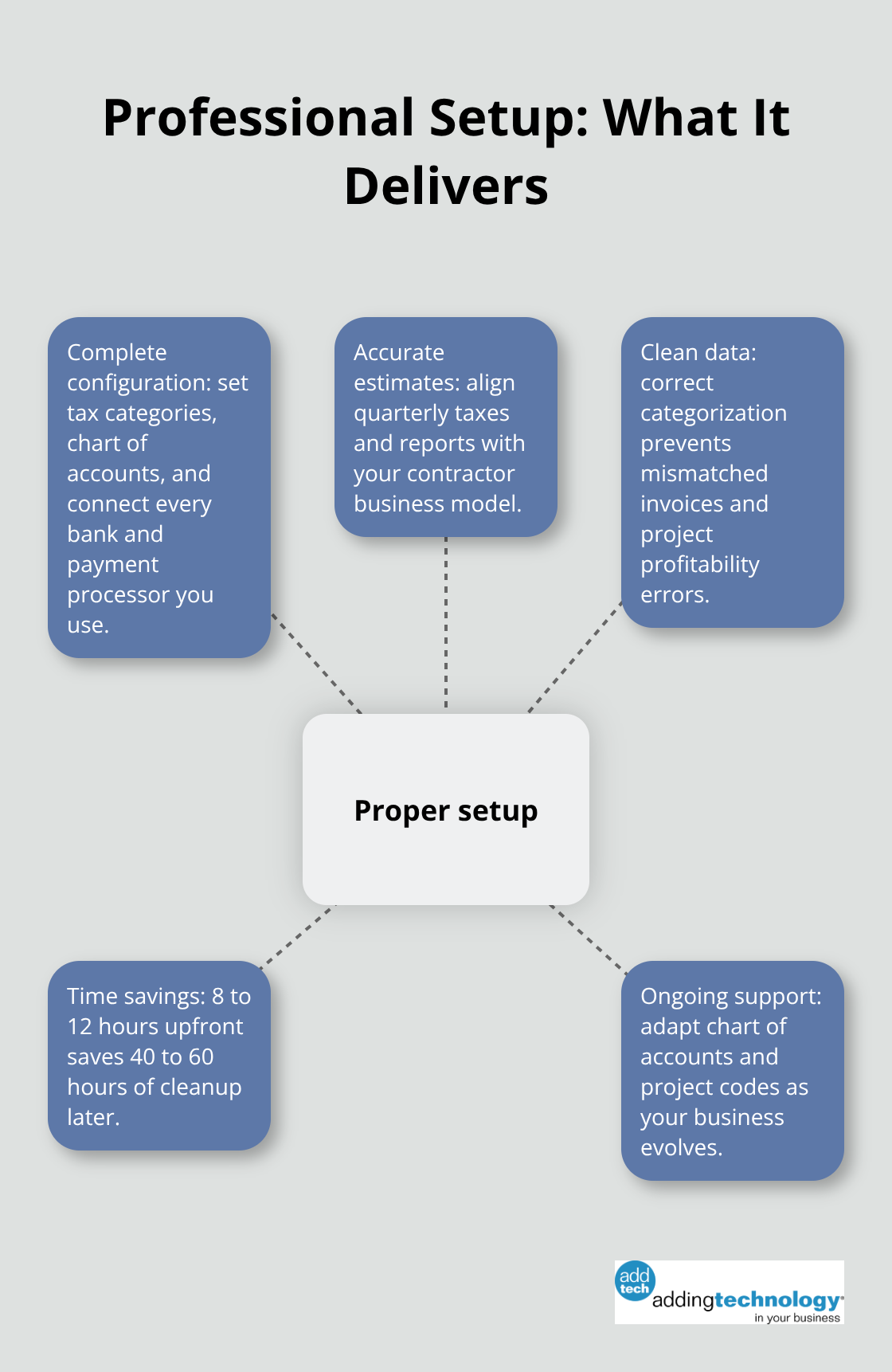
The setup phase determines whether your software becomes a reliable financial tool or an ongoing source of frustration. During implementation, you must configure tax categories specific to your contractor type, connect every bank account and payment processor you use, and establish project codes if you bill by job. You should also set up automatic bank matching rules to reduce manual categorization. Test your software’s export function to confirm it generates reports your tax preparer actually needs, not generic reports that require translation. Many contractors skip this testing step, then discover in March that their software exports data in a format their accountant won’t accept. Testing takes one hour and prevents a much larger problem.
When you hire your first subcontractor, your software must properly classify them as a 1099 contractor rather than an employee, which affects how you track payments and file taxes. According to IRS common law rules, you evaluate behavioral, financial, and relationship factors to determine worker status correctly. Misclassification can trigger significant tax liabilities. Your accounting software should make this distinction clear in your payee records so you maintain accurate documentation of how you reached your classification decision.
When you add a new service line or change your billing model, you need guidance on how to restructure your chart of accounts and project codes without breaking historical data. When tax law changes, you need someone to explain how it affects your quarterly estimates and year-end filing. Contractors who receive ongoing support make better financial decisions, catch problems earlier, and actually use their accounting data rather than letting it sit unused. The contractors who struggle are the ones who implement software alone, then abandon it when questions arise because they lack support.
Your accounting system only works if you actually use it, and you only use it if you understand it and trust its accuracy. Ongoing support separates contractors who thrive financially from those who constantly struggle with their systems. After implementation, you need someone who understands both accounting principles and your specific business model to answer questions that arise as your contractor business evolves. This guidance ensures your software remains a reliable tool throughout your contractor career rather than becoming obsolete when your needs change.
Selecting the right independent contractor accounting software requires you to balance cost, features, and scalability simultaneously. QuickBooks Online, FreshBooks, and ZipBooks all meet your core requirements at reasonable prices, but the decision hinges on whether you need payroll integration, how many apps you must connect, and whether you plan to hire employees within the next two years. Test any platform during the free trial period by importing a bank transaction, categorizing an expense, generating a tax report, and exporting data to verify it matches your tax preparer’s requirements.
The real cost of choosing poorly emerges months later when your software fails to integrate with your project management tool, refuses to generate the reports you need, or forces you to manually re-enter data repeatedly. Professional guidance during setup prevents these failures by ensuring your chart of accounts gets configured properly, your tax categories match your business model, and your software integrates with your existing tools. Adding Technology offers expert accounting and financial management services tailored for the construction industry, helping contractors implement systems correctly from day one.
Your independent contractor accounting software is a business tool, not an expense to minimize. Implement it properly, use it consistently, and you create the financial visibility you need to make better decisions and grow sustainably.










At adding technology, we know you want to focus on what you do best as a contractor. In order to do that, you need a proactive back office crew who has financial expertise in your industry.
The problem is that managing and understanding key financial compliance details for your business is a distraction when you want to spend your time focused on building your business (and our collective future).
We understand that there is an art to what contractors do, and financial worries can disrupt the creative process and quality of work. We know that many contractors struggle with messy books, lack of realtime financial visibility, and the stress of compliance issues. These challenges can lead to frustration, overwhelm, and fear that distracts from their core business.
That's where we come in. We're not just accountants; we're part of your crew. We renovate your books, implement cutting-edge technology, and provide you with the real-time job costing and financial insights you need to make informed decisions. Our services are designed to give you peace of mind, allowing you to focus on what you do best - creating and building.
Here’s how we do it:
Schedule a conversation today, and in the meantime, download the Contractor’s Blueprint for Financial Success: A Step by-Step Guide to Maximizing Profits in Construction.” So you can stop worrying about accounting, technology, and compliance details and be free to hammer out success in the field.