
Construction Tax Planning: Minimize Liabilities, Maximize Cash Flow
Optimize your construction tax planning strategy to reduce liabilities and improve cash flow. Learn actionable tactics for contractors.

Construction projects fail financially because teams lack visibility into spending. A project budget template Excel file gives you real-time control over labor, materials, and overhead costs from day one.
At adding technology, we’ve seen contractors waste thousands by tracking budgets in scattered spreadsheets or outdated systems. This guide shows you how to set up, monitor, and adjust a budget template that actually works.
A project budget template is a structured spreadsheet that tracks every dollar spent on a construction project from start to finish. It maps labor costs, materials, equipment, overhead, and contingencies into one organized system where you can compare what you planned to spend against what you actually spent. The core purpose is straightforward: prevent financial surprises by giving you real-time visibility into project spending.

Construction inherently involves unpredictability. Material prices fluctuate, labor productivity varies, and site conditions change. When teams rely on email chains, handwritten notes, or disconnected spreadsheets, cost information gets fragmented. One person tracks labor hours in a timesheet, another logs material purchases in an email, and the project manager has no way to see the full picture until weeks later.
Without structure, contractors operate blind and discover budget overruns only when invoices pile up or cash runs dry. A template forces discipline because it requires you to estimate costs upfront, assign them to specific tasks, and then monitor actual spending weekly or daily depending on project pace. Templates eliminate fragmentation by centralizing all spending data in one place, making variances visible immediately. When your material costs spike or labor hours exceed projections, a template flags it within days, not weeks, giving you time to adjust staffing, negotiate supplier pricing, or cut scope before damage spreads.
Setting up a project budget template takes roughly two to three hours for a typical construction project. That investment pays back within the first month through faster cost reporting, fewer manual calculations, and reduced time spent chasing down spending information. Templates automate calculations so formulas compute labor costs, material totals, and variance percentages without manual entry. Your project manager spends less time in spreadsheets and more time managing the job.
Color-coded status tags highlight budget health instantly-green for on-track, yellow for approaching limits, red for overruns-so stakeholders understand financial status at a glance without reading detailed reports. Historical data from past projects becomes your baseline for future estimates. Teams that use templates consistently report fewer disputes with clients over costs because actual spending is documented and transparent from day one.
The real power of a template emerges when you populate it with accurate data and establish monitoring routines that catch problems early.
Labor costs consume 30 to 40 percent of most construction project budgets, making wage tracking the foundation of any reliable budget template. Your template needs separate rows for each crew member or labor category, with hourly rates locked in and hours pulled directly from timesheets. The formula auto-calculates total labor cost as hours accumulate weekly. Many contractors estimate labor at the project start and never adjust it as scope changes or productivity shifts. Instead, track actual hours against planned hours in parallel columns so you see the variance immediately. If a concrete crew was supposed to work 80 hours but logs 120 hours, that gap signals either scope creep or productivity problems that demand action now, not at project close-out. Include payroll taxes, benefits, and workers compensation insurance in your labor line items because these typically add 25 to 35 percent to base wages. Contractors who ignore these costs end up with budgets that look healthy until payroll hits and suddenly the project is underwater. Freelancers and subcontractors belong in a separate section with fixed contract amounts and milestone-based payments tracked against invoices. This separation prevents confusion between W-2 employees and 1099 vendors and makes it easier to spot when a subcontractor invoice exceeds the contracted amount.
Material and equipment costs require a different approach because prices fluctuate and delivery schedules slip. Create rows for major material categories-concrete, lumber, electrical, plumbing, safety equipment-with unit costs and quantities that update as materials arrive on-site. Equipment rental costs show daily or weekly rates multiplied by actual days in use, not estimated days, because weather delays and schedule changes shift equipment duration constantly. This real-time adjustment prevents you from budgeting for equipment that sits idle while you pay rental fees.
Overhead costs like site office rent, utilities, insurance, and safety compliance sit above the line-item details and should be allocated either as a fixed monthly amount or as a percentage of direct costs. Contingency reserves deserve their own line at 5 to 15 percent of total budget depending on project complexity and contract type. Fixed-price contracts need higher contingency because scope disputes cost money; time-and-materials contracts can run lower because client changes flow through separately. The template’s power lies in the variance column where actual spending minus planned spending shows immediately whether you’re ahead or behind.
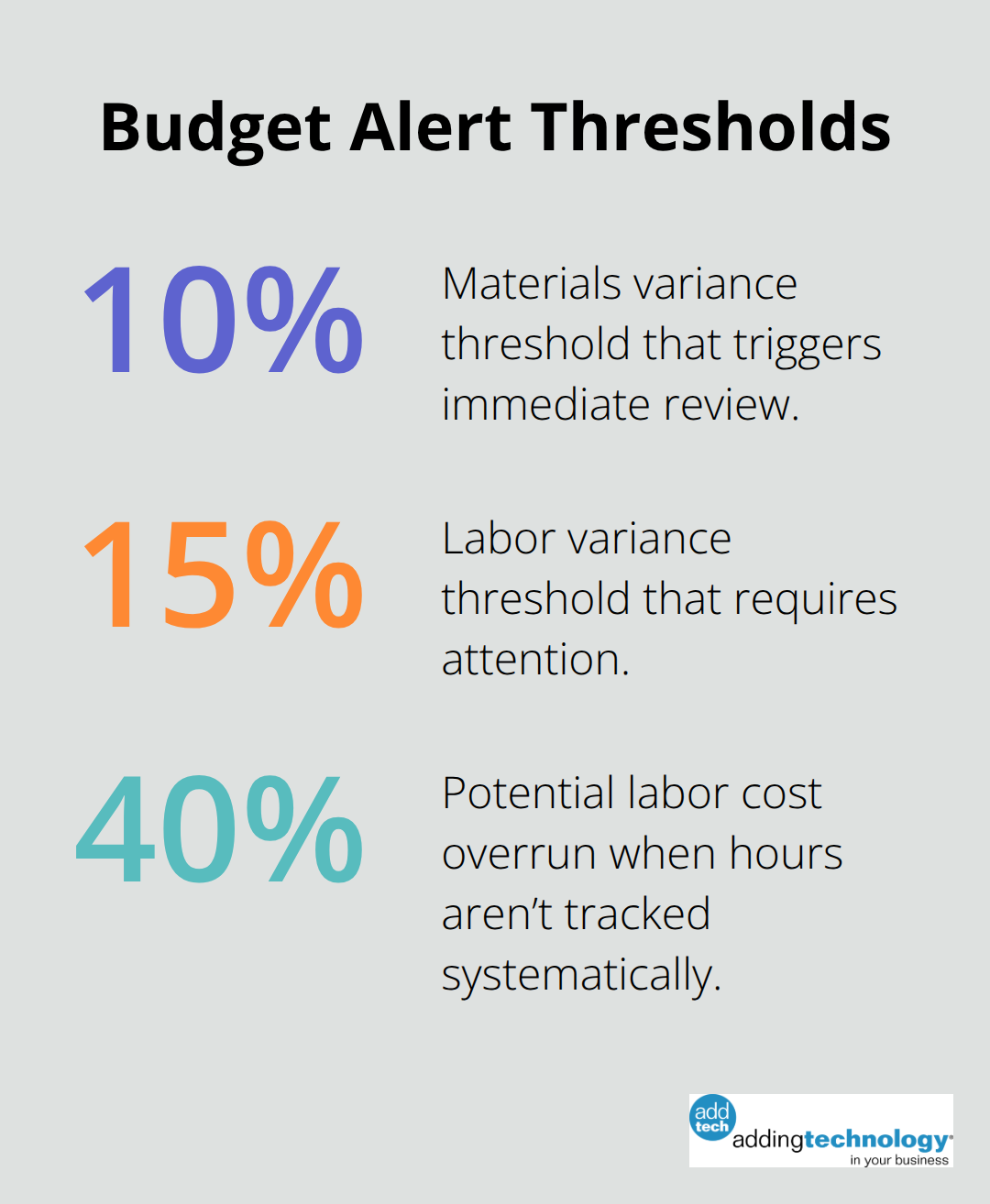
Red flags appear when material costs exceed estimates by more than 10 percent or when labor hours climb without corresponding scope additions. Weekly budget reviews using your template catch these signals early enough to negotiate with suppliers, adjust crew size, or request change orders before the project hemorrhages cash.
Your template only works when you review it consistently and act on what the numbers reveal. Set a fixed day each week-Tuesday morning works well for most teams-to pull actual spending data, compare it against projections, and identify variances that need attention. This routine transforms your spreadsheet from a historical record into a management tool that shapes decisions in real time.
Correct setup of your project budget template determines whether it functions as a management tool or a filing cabinet. You must assign labor rates to each crew category before the project starts and lock in hourly rates for your core team members. Pull actual hours directly from timesheets each week rather than estimating labor at the end of the project. This discipline prevents the common mistake of discovering halfway through a project that labor costs have climbed 40 percent above projections because nobody tracked hours systematically. For materials, you enter unit costs from supplier quotes and update quantities as purchases arrive on-site. Equipment rental costs should reflect actual days in use, adjusted weekly as weather delays and schedule changes shift timelines. Many contractors budget equipment for a fixed duration and never adjust it, which means they overpay for equipment sitting idle while schedules slip.
Your template needs three parallel columns for every cost category: planned amount, actual amount, and variance. The variance column shows the difference immediately, making it obvious which line items track correctly and which ones demand attention. You should flag anything exceeding a 10 percent variance on materials or 15 percent on labor because these gaps signal either scope creep or productivity problems that spread quickly if ignored. This structure transforms raw spending data into actionable information that shapes decisions in real time.
Weekly budget reviews transform your spreadsheet from a historical record into a decision-making tool. You should set a fixed day each Tuesday or Wednesday morning to pull current spending data, compare actual costs against projections, and identify variances. This routine catches problems early enough to negotiate with suppliers, adjust crew size, or request change orders before damage spreads.
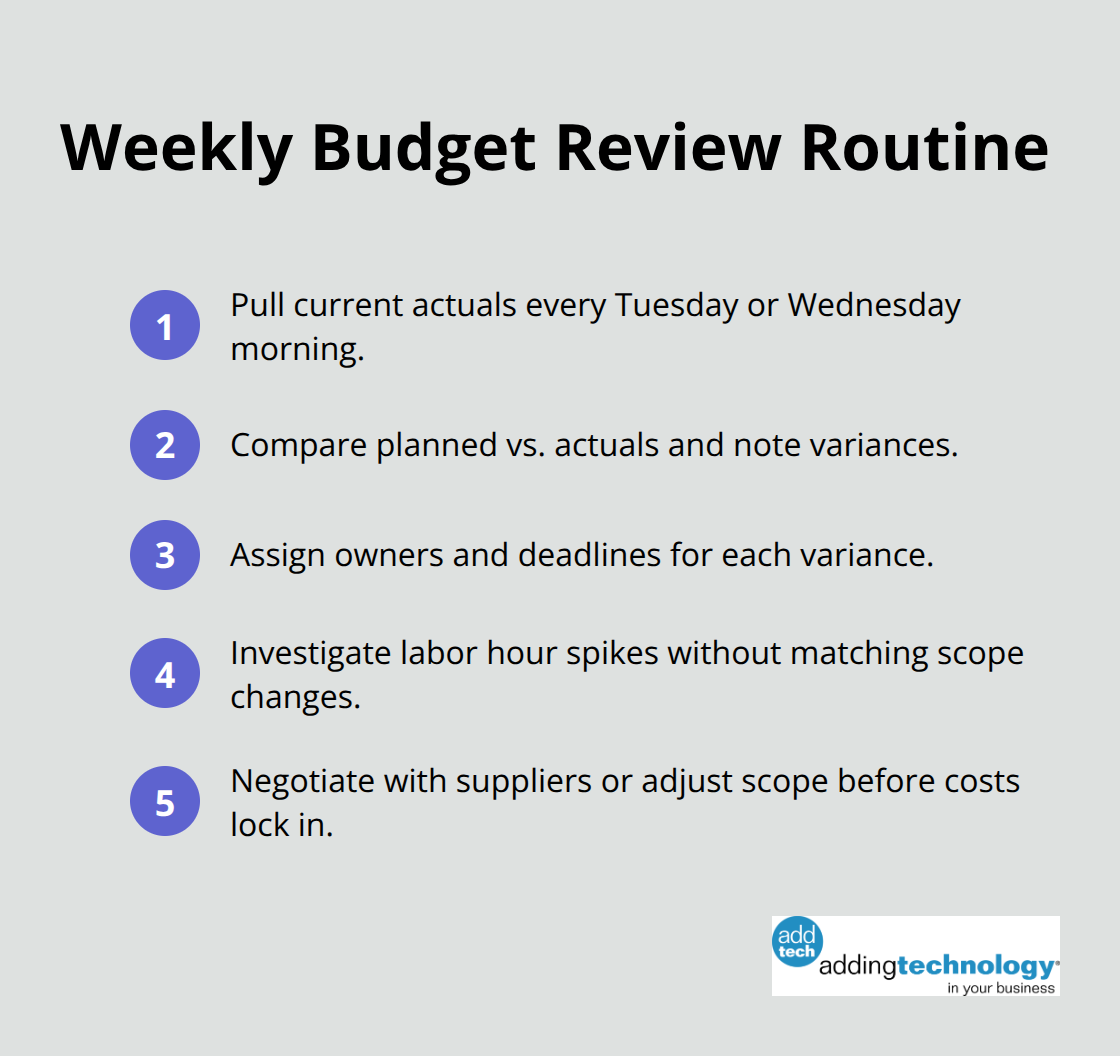
When labor hours climb without corresponding scope additions, you have time to investigate whether productivity is dropping or whether the estimate was wrong. When material costs spike, you can contact suppliers about price negotiations or explore alternative products before committing to expensive choices.
Contingency reserves between 5 and 10 percent of total budget provide the cushion for adjustments, but only if you monitor spending closely enough to use reserves strategically rather than watching them disappear into cost overruns. Teams that review budgets weekly report catching problems within days of occurrence rather than weeks later when options have narrowed. This visibility transforms budgets from rear-view mirrors into forward-facing tools that shape project decisions as they unfold.
A project budget template Excel file transforms from theory into reality the moment you populate it with actual labor rates, material costs, and real spending data. Construction teams that implement templates consistently catch budget problems within days rather than weeks, which means you have time to negotiate with suppliers, adjust crew size, or request change orders before financial damage spreads. The discipline of weekly reviews converts your spreadsheet from a historical record into a forward-facing tool that shapes decisions as projects unfold.
Starting with your own template takes two to three hours of setup time, but that investment pays back immediately through faster cost reporting and reduced time chasing spending information across email chains and disconnected systems. You lock in labor rates before work starts, track actual hours against planned hours in parallel columns, and flag variances that exceed 10 percent on materials or 15 percent on labor. This structure forces visibility into where money actually goes, preventing the common mistake of discovering halfway through a project that costs have climbed 40 percent above projections.
The real challenge most contractors face is not building a template but maintaining the discipline to review it weekly and act on what the numbers reveal. Teams that set a fixed day each week to pull spending data and compare actual costs against projections catch problems early enough to respond effectively. Adding Technology offers expert accounting and financial management services tailored for the construction industry, streamlining financial processes and providing real-time job costing so you focus on your projects without the weight of financial management.













At adding technology, we know you want to focus on what you do best as a contractor. In order to do that, you need a proactive back office crew who has financial expertise in your industry.
The problem is that managing and understanding key financial compliance details for your business is a distraction when you want to spend your time focused on building your business (and our collective future).
We understand that there is an art to what contractors do, and financial worries can disrupt the creative process and quality of work. We know that many contractors struggle with messy books, lack of realtime financial visibility, and the stress of compliance issues. These challenges can lead to frustration, overwhelm, and fear that distracts from their core business.
That's where we come in. We're not just accountants; we're part of your crew. We renovate your books, implement cutting-edge technology, and provide you with the real-time job costing and financial insights you need to make informed decisions. Our services are designed to give you peace of mind, allowing you to focus on what you do best - creating and building.
Here’s how we do it:
Schedule a conversation today, and in the meantime, download the Contractor’s Blueprint for Financial Success: A Step by-Step Guide to Maximizing Profits in Construction.” So you can stop worrying about accounting, technology, and compliance details and be free to hammer out success in the field.